
Triggers
Schedule
The Schedule block automatically triggers workflows on a recurring schedule at specified intervals or times.
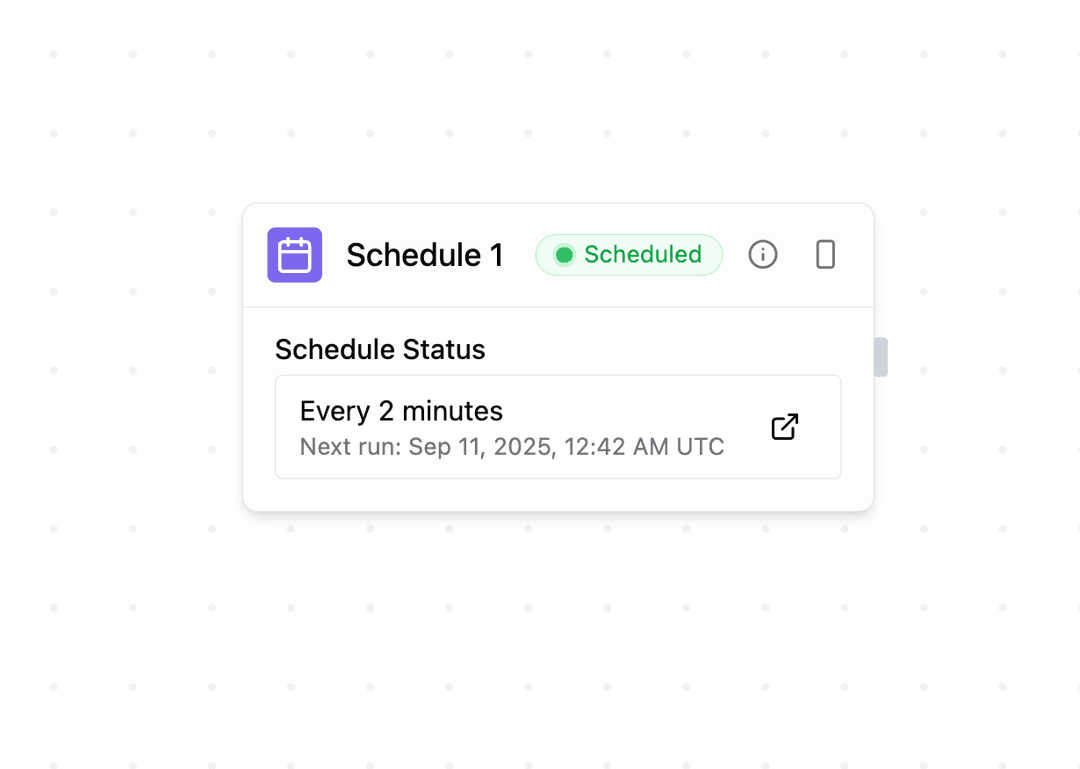
Schedule Options
Configure when your workflow runs using the dropdown options:
- Every few minutes: 5, 15, 30 minute intervals
- Hourly: Every hour or every few hours
- Daily: Once or multiple times per day
- Weekly: Specific days of the week
- Monthly: Specific days of the month
Use cron expressions for advanced scheduling:
0 9 * * 1-5 - Every weekday at 9 AM*/15 * * * * - Every 15 minutes0 0 1 * * - First day of each monthConfiguring Schedules
When a workflow is scheduled:
- The schedule becomes active and shows the next execution time
- Schedules automatically deactivate after 10 consecutive failures
- There's no separate button to pause an active schedule -- undeploying (or redeploying) the workflow is what creates, updates, or removes its schedule
Disabled Schedules
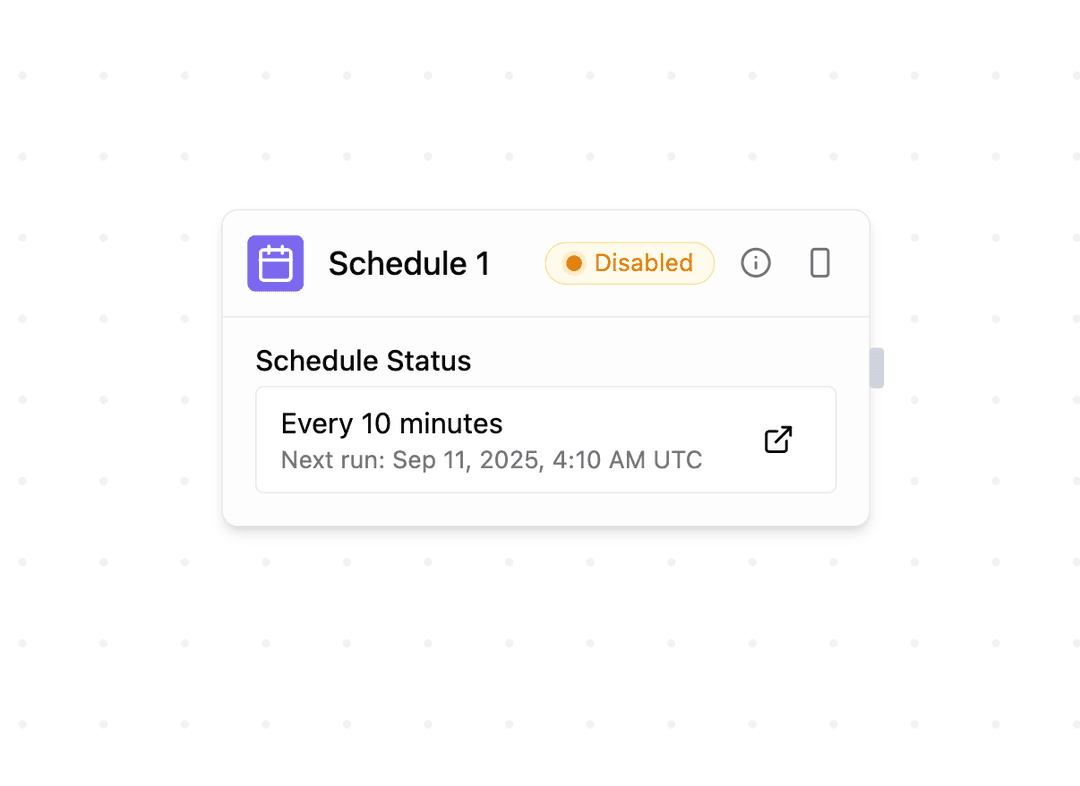
Disabled schedules show when they were last active. Re-enable one by redeploying the workflow -- there's no separate reactivation toggle.
Schedule blocks cannot receive incoming connections and serve as pure workflow triggers.